Editors with AI added
The editor came first and the agent was attached later. It gets a chat panel, a few tools and file access. The debugger, the test runner, the problems list and the browser preview are built for a mouse and a person.
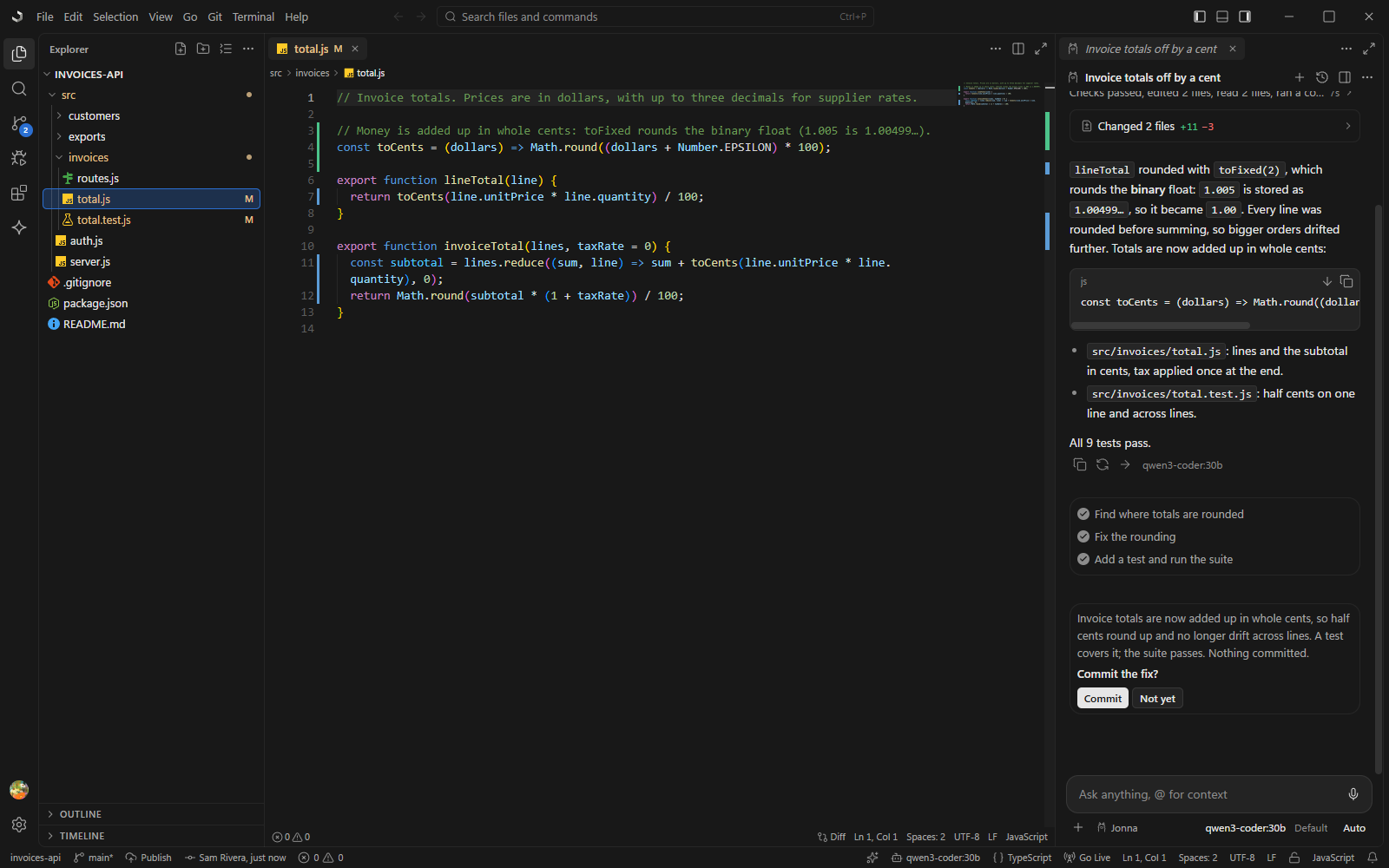
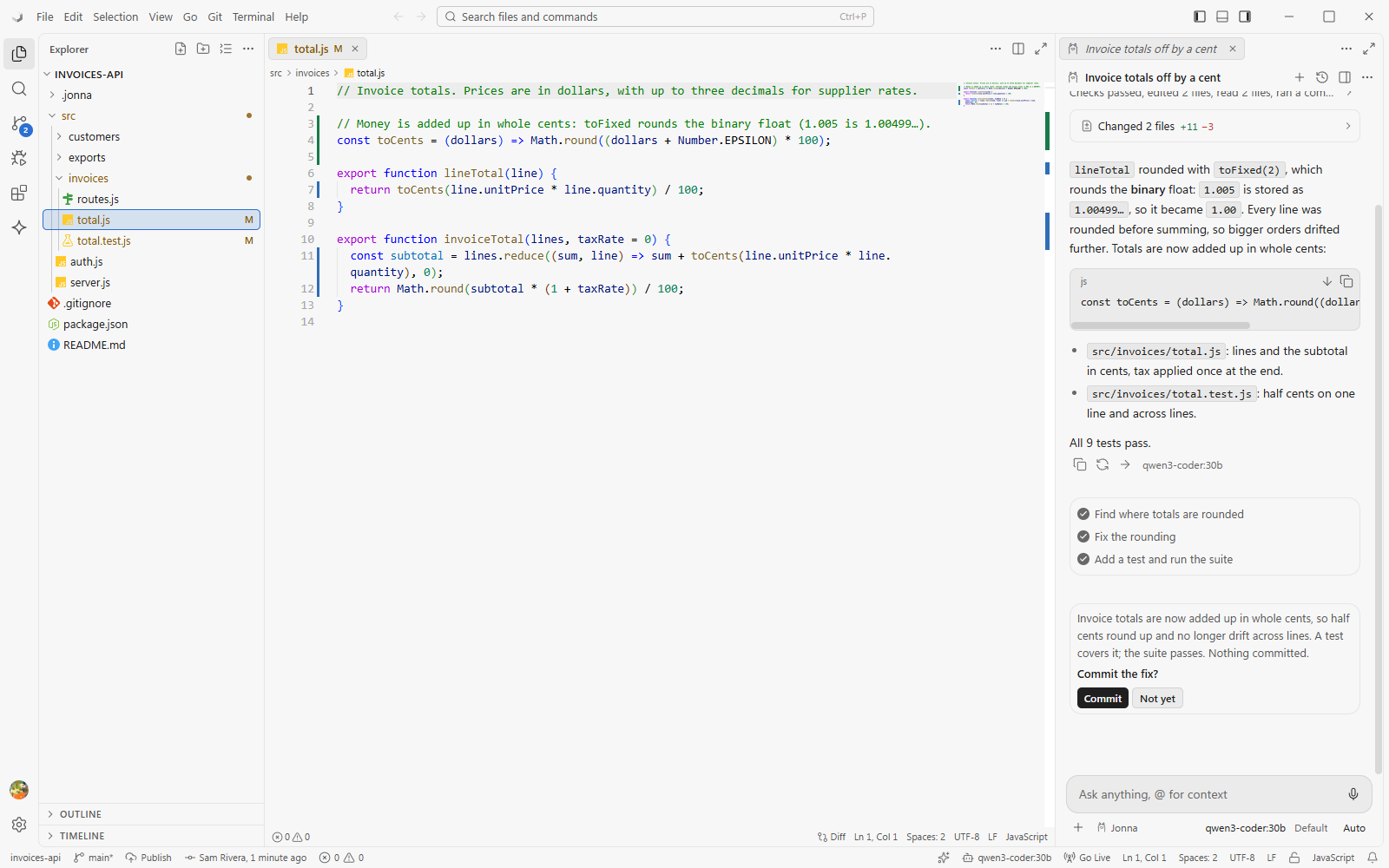
Jonna is a complete code editor, written from scratch in Rust and TypeScript rather than forked from another one. It feels like VS Code to you, and it is built so an agent can see and do everything you can.
The editor came first and the agent was attached later. It gets a chat panel, a few tools and file access. The debugger, the test runner, the problems list and the browser preview are built for a mouse and a person.
The agent is the centre and the editor is a place to review its work. That suits delegation, but editing by hand, debugging and reading code come second, and the agent is usually theirs, not yours.
Very capable, but blind to the editor. They see files and shell output, not your open tabs, the error under the cursor or the running app.
Every button, menu item and keybinding runs a typed command from one dispatcher. The agent, your extensions and external agents call exactly the same commands, with the same permission checks and an audit log.
The state of everything, from editors and problems to terminals, the debugger, tests, git and the browser page, is a readable ide:// tree. After each edit the agent sees the new errors, so it checks its own work.
The built-in agent runs on local models or hosted ones. Claude Code, Codex or Gemini CLI can run inside it over ACP, or drive it from outside over MCP. Nothing is locked to one vendor.
Agent edits are a changeset you accept or reject per file or per hunk, with a checkpoint for every turn and an undo that spans files. Outside the chat, AI is opt-in.
Extensions are small sandboxed folders: a manifest and a JavaScript file. The agent can write, load, test and install one for you while you watch. Ask for “a plugin that…” and you get one.
Tauri and Rust instead of Electron: your system's own webview instead of a bundled browser, and the heavy work, like search, the file index, git, terminals and file watching, in Rust.
VS Code's keybindings, settings.json, themes and tasks.json work as they are, and VS Code extensions install from Open VSX.